Modern security cameras are designed to be reliable, but even the best models can occasionally experience problems. From Wi-Fi connection failures and blurry video to motion detection errors and cameras going offline, these issues can reduce the effectiveness of your home security system.
The good news is that most security camera problems can be solved without replacing the device. In many cases, a few simple troubleshooting steps are enough to restore normal operation.
In this guide, we’ll cover 15 of the most common security camera problems, explain what causes them, and show you how to fix each one quickly and safely.
CTA: 🛒 Shop Reliable Security Cameras on Amazon



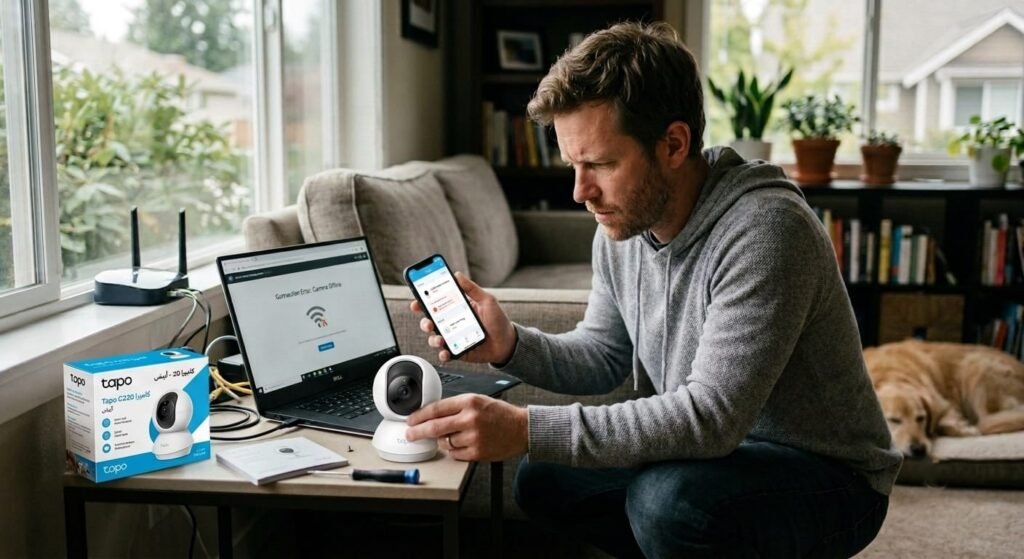
Alt: Homeowner troubleshooting a smart home security camera connection problem
1. Security Camera Is Offline
Possible Causes
- Weak Wi-Fi signal
- Router problems
- Power interruption
- Firmware issues
How to Fix It
- Restart the camera.
- Reboot your router.
- Move the camera closer to the router.
- Check your internet connection.
- Update the camera firmware.
2. Blurry Video Quality
Possible Causes
- Dirty camera lens
- Low resolution settings
- Condensation
- Incorrect focus
How to Fix It
- Clean the lens using a microfiber cloth.
- Set the highest available resolution.
- Remove moisture from the lens.
- Adjust focus if supported.
3. Night Vision Isn’t Working
Possible Causes
- Dirty infrared LEDs
- Disabled night mode
- Bright nearby lights
- Hardware damage
How to Fix It
- Enable automatic night vision.
- Clean the camera.
- Reduce nearby lighting.
- Test the camera in complete darkness.
4. Motion Detection Doesn’t Work
Possible Causes
- Incorrect sensitivity
- Motion zones disabled
- AI settings
- Old firmware
How to Fix It
- Increase motion sensitivity.
- Reconfigure activity zones.
- Enable AI detection.
- Update firmware.
5. Too Many False Alerts
Possible Causes
- Tree branches
- Pets
- Passing vehicles
- Shadows
How to Fix It
- Enable AI Person Detection.
- Reduce sensitivity.
- Create activity zones.
- Reposition the camera.
6. No Recording Saved
Possible Causes
- Full memory card
- Storage failure
- Disabled recording
How to Fix It
- Format the memory card.
- Replace faulty storage.
- Enable recording schedules.
7. Two-Way Audio Isn’t Working
Possible Causes
- Microphone disabled
- Low speaker volume
- App permissions
How to Fix It
- Check audio settings.
- Allow microphone permissions.
- Restart the app.
CTA: 🔥 Upgrade to a More Reliable Security Camera
8. Camera Keeps Disconnecting from Wi-Fi
Possible Causes
- Weak Wi-Fi signal
- Network interference
- Router overload
- Outdated firmware
How to Fix It
- Move the router closer to the camera.
- Use a Wi-Fi extender if needed.
- Connect to the correct Wi-Fi band (2.4GHz or 5GHz, depending on the camera).
- Restart your router and camera.
- Install the latest firmware update.
9. Battery Drains Too Quickly
Possible Causes
- High motion activity
- Frequent live viewing
- Cold weather
- Maximum recording quality
How to Fix It
- Reduce motion sensitivity.
- Limit unnecessary live streaming.
- Adjust recording settings.
- Install a compatible solar panel if supported.
- Recharge the battery fully before use.
10. Camera Won’t Connect to the Mobile App
Possible Causes
- Incorrect Wi-Fi password
- Outdated app version
- Camera not paired
- Bluetooth disabled during setup
How to Fix It
- Verify your Wi-Fi credentials.
- Update the manufacturer’s app.
- Reset the camera and pair it again.
- Enable Bluetooth if required during setup.
11. Memory Card Not Detected
Possible Causes
- Unsupported microSD card
- Corrupted file system
- Improper installation
- Damaged card
How to Fix It
- Reinsert the card correctly.
- Format the card using the camera or app.
- Use a supported high-endurance microSD card.
- Replace the card if necessary.
12. Camera Is Too Slow to Load Live View
Possible Causes
- Slow internet connection
- Weak Wi-Fi signal
- Network congestion
- High streaming quality
How to Fix It
- Test your internet speed.
- Improve Wi-Fi coverage.
- Lower the live stream quality temporarily.
- Close other devices using heavy bandwidth.
13. Camera Doesn’t Detect People Correctly
Possible Causes
- AI detection disabled
- Camera installed too high
- Poor lighting
- Incorrect detection settings
How to Fix It
- Enable AI Person Detection.
- Mount the camera at the recommended height.
- Improve lighting around the monitored area.
- Adjust detection sensitivity and activity zones.
14. Camera Restarts Randomly
Possible Causes
- Unstable power supply
- Faulty power adapter
- Firmware bugs
- Hardware overheating
How to Fix It
- Check the power cable and adapter.
- Install firmware updates.
- Protect the camera from excessive heat.
- Reset the camera if the issue continues.
15. Forgot Camera Password
Possible Causes
- Password changed
- Account issue
- Lost login information
How to Fix It
- Use the manufacturer’s password recovery option.
- Reset the camera to factory settings if necessary.
- Create a strong new password and store it securely.
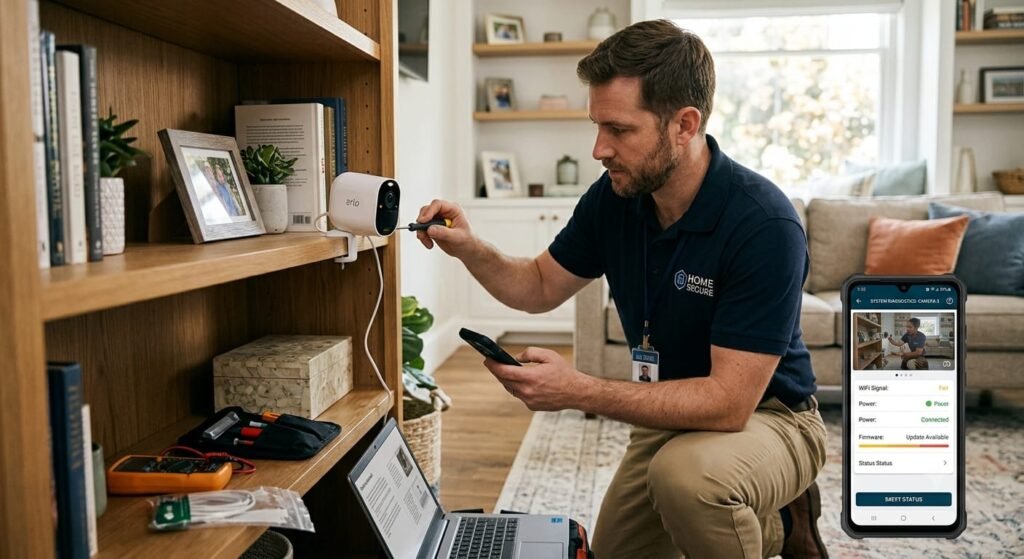
Alt: Technician fixing common smart security camera problems at home
Quick Troubleshooting Checklist
Before replacing your security camera, check the following:
- ✅ Verify power and internet connection
- ✅ Restart the camera and router
- ✅ Update the camera firmware
- ✅ Check motion detection settings
- ✅ Inspect the memory card
- ✅ Clean the camera lens
- ✅ Test night vision
- ✅ Confirm app permissions
- ✅ Check Wi-Fi signal strength
- ✅ Reset the camera if needed
Final Thoughts
Most security camera problems are easy to fix with a few simple troubleshooting steps. Whether you’re dealing with connection issues, poor image quality, false alerts, or storage problems, identifying the cause is usually the first step toward a quick solution.
Keeping your camera firmware updated, using reliable storage, and ensuring a strong Wi-Fi connection can prevent many common issues before they occur.
CTA: 🚀 Compare Top-Rated Security Cameras on Amazon
Frequently Asked Questions
Why does my security camera keep going offline?
This is usually caused by a weak Wi-Fi signal, router issues, power interruptions, or outdated firmware.
How do I improve my security camera’s night vision?
Clean the lens and infrared LEDs, enable automatic night mode, and avoid placing bright lights directly in front of the camera.
Why isn’t my camera detecting motion?
Check the motion sensitivity, activity zones, AI detection settings, and ensure the firmware is up to date.
Should I replace my security camera if it has problems?
Not necessarily. Most issues can be resolved through troubleshooting, software updates, or minor adjustments without replacing the camera.
- Home Security Camera Buying Guide
- Smart Home Security Checklist
- Best Outdoor Security Cameras
- Best Indoor Security Cameras
- Best Wireless Home Security Systems